Docs
Timesheets
Submit your logged time for a week as a single timesheet for manager approval. Available on Plus and Max plans.
How to submit a weekly timesheet
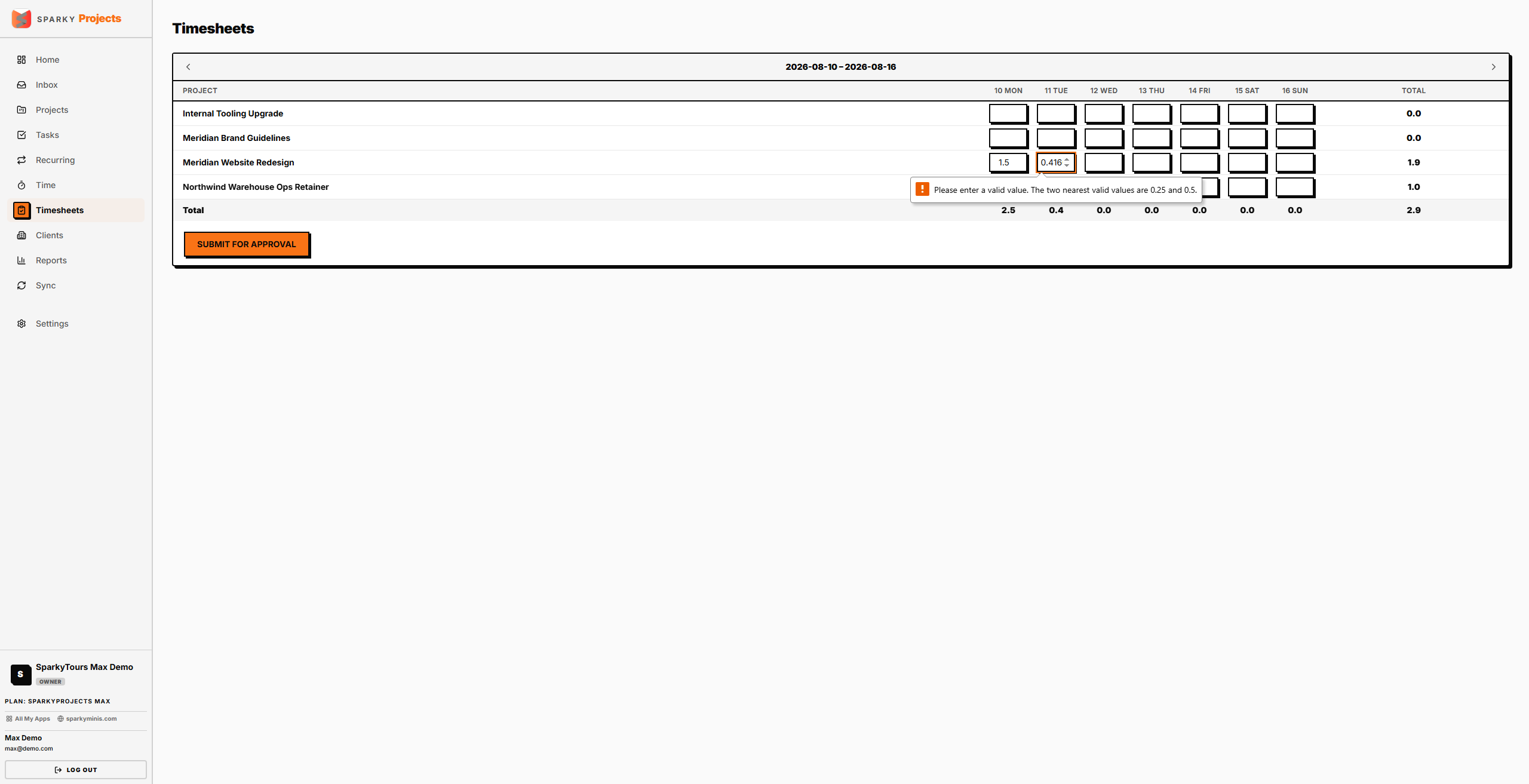
Open Timesheets from the sidebar. It shows a grid of your logged time for the selected week, by project and day. Submit it once you're ready — this locks the underlying time entries from further editing until it's approved or rejected. You can only have one submission per week; if a previous submission for that week was rejected, submitting again replaces it.
How to approve or reject a timesheet
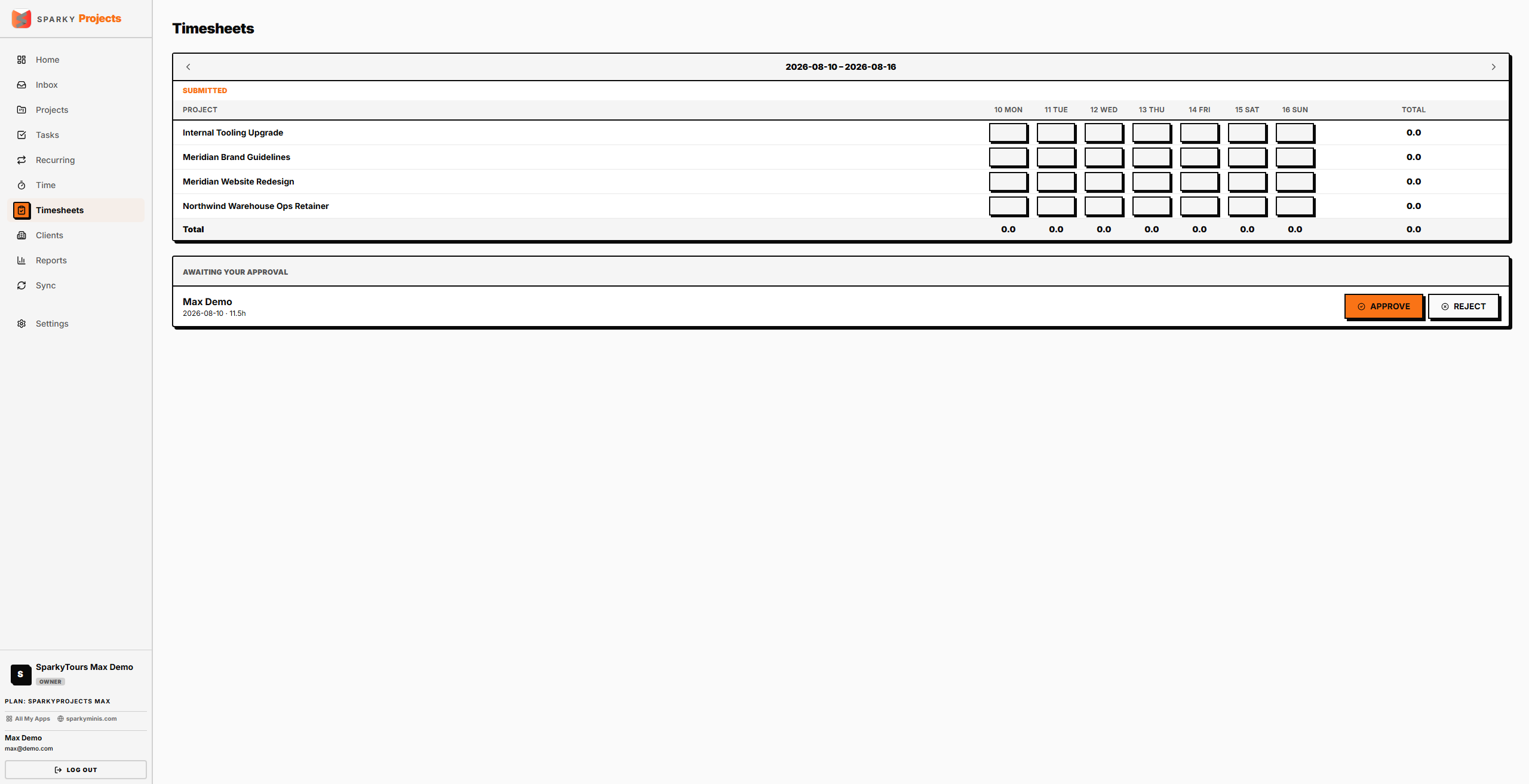
If you have approval permission, submitted timesheets from your team appear for review. Approve one to finalize it, or reject it with an optional note — rejecting unlocks the underlying time entries so the person can fix and resubmit them.