
Tasks
Every to-do item across all your projects, in one place.
How to view your tasks
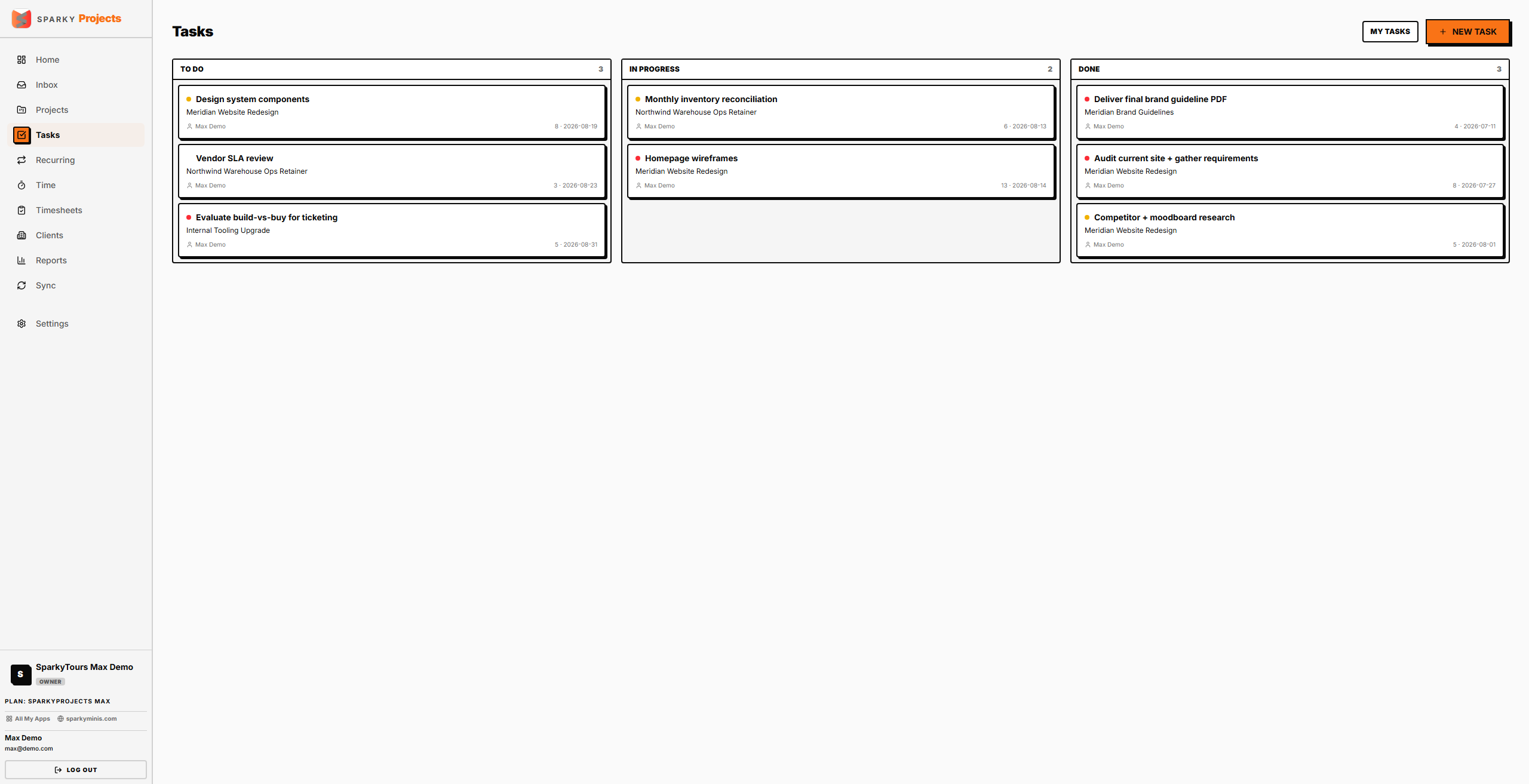
Open Tasks from the sidebar. Tasks are grouped by status (To Do, In Progress, Done — based on your organization's own status categories). Click "My Tasks" to see just what's assigned to you.
How to add a task
From the Tasks page, pick a project (required) and enter a title, priority, optional estimate, due date, and — if your plan and permissions allow assigning — who it's for.
How to change a task's status
From the Tasks page, update a task's status directly.
How to view and edit a task
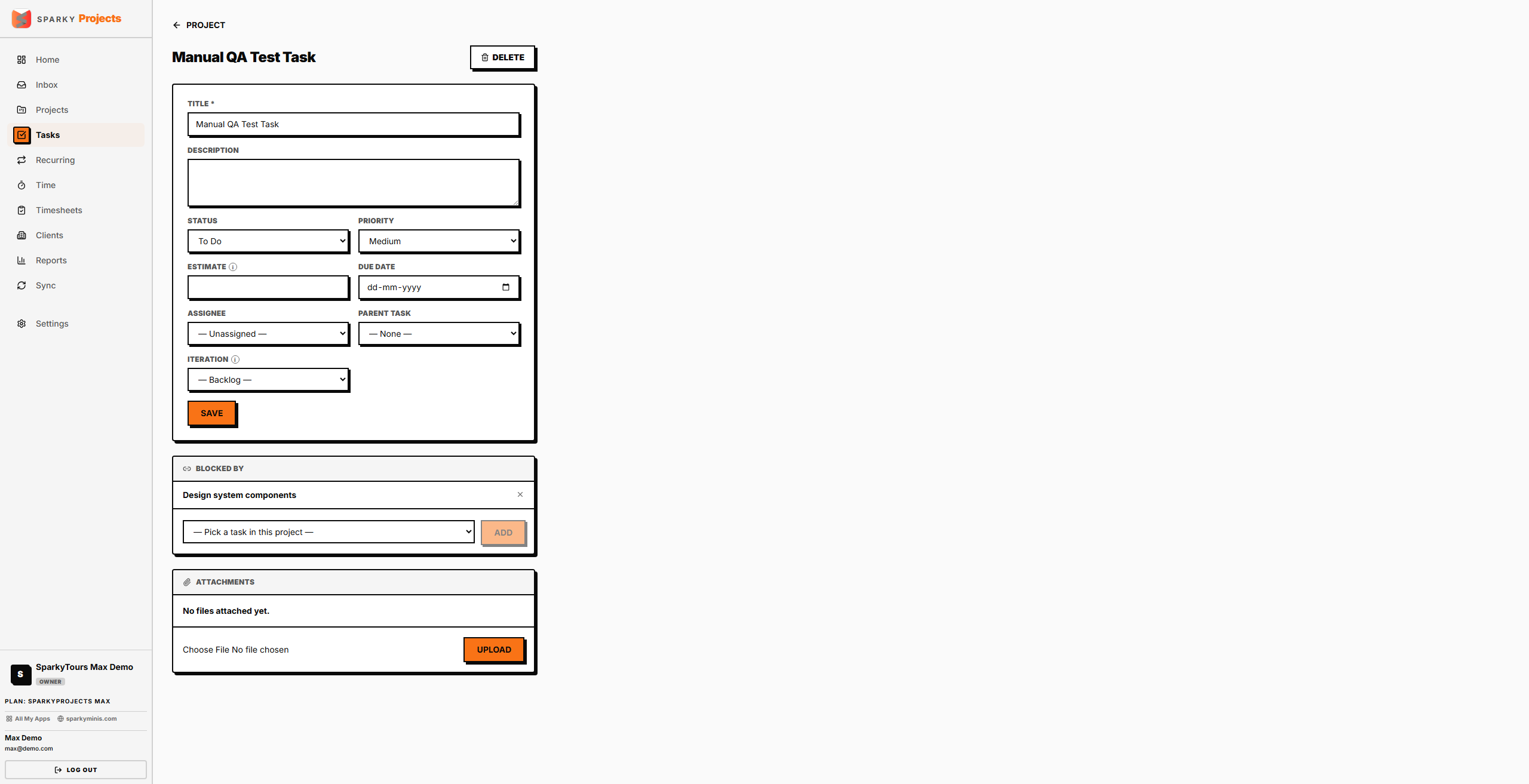
Click a task to open its detail page. Edit the title, description, status, priority, estimate, due date, assignee, parent task, and — if your plan includes Sprints/Phases — which iteration it belongs to.
How to set task dependencies
If your plan includes Task Dependencies, use "Blocked by" on a task's detail page to mark it as depending on another task in the same project. Remove a dependency the same way.
How to attach a file to a task
From a task's detail page, upload a file (subject to your plan's storage limit) or remove one already attached.
How to delete a task
From a task's detail page, delete it, then confirm — this can't be undone.